I don't know about you, but after months of back-to-back video calls, I started to feel a strange sense of fatigue every time I logged on. At first I blamed the meetings themselves, but then I realised something else was going on: the background. My home office was a riot of colour, with shelves crammed full of books, a rather loud piece of abstract art, and the inevitable pile of laundry lurking just out of frame. Every time I looked at my own little box on the screen, my eyes didn't know where to land. That's when I decided to embrace the minimalist approach to Zoom meeting backgrounds, and honestly, it has transformed the way I work. A clean, simple backdrop isn't just about aesthetics; it's about focus, professionalism, and a little bit of peace in a chaotic digital world.
When I first started experimenting with minimalist backgrounds, I was worried that plain might mean boring. But actually, the opposite proved true. A softly textured wall, a single plant, or a simple neutral curtain gives the person on the other end of the call nowhere to look except at you. It encourages eye contact, even through a lens, and it makes your words carry more weight. I've noticed that my colleagues seem more engaged, and I certainly feel less self-conscious. The absence of visual noise helps me concentrate on the conversation rather than wondering if that crooked picture frame is visible behind me. In the world of remote work, the background has become a sort of personal brand, and minimalist sends a quiet signal of calm capability. It says that you are organised, intentional, and not easily distracted — all qualities that are wonderful to project during a tricky negotiation or a client presentation.
Bringing a Touch of Fandom Into a Minimalist Frame

Now, I love a bit of personality in my video calls. There was a time when I used a busy image of a favourite fictional character as my virtual background, hoping to spark a conversation. But in practice, it was overwhelming. The strong colours and detailed edges made my own profile look harsh in comparison, and the visual competition was exhausting. The minimalist lesson here is about selecting a single focal point rather than a chaotic scene. If you adore a particular character or franchise, you don't need to fill the screen with it. Instead, you might place a small figurine on a side table, or choose an image of that character rendered against a simple, uncluttered backdrop. This way, the reference becomes a subtle conversation starter rather than a distraction.
The Allure of Subtle Storytelling on Your Screen

It fascinates me how we are drawn to images with depth and story, even when we are trying to keep things minimal. Take a scene from a beloved film series, for instance; the composition, the lighting and the palette can teach us a great deal about what works on a small screen. When I finally designed my ideal setup, I took a leaf out of that book. I chose a softly lit wall in a muted tone, positioned my laptop so the window light fell gently across my face, and added a single framed print. It feels cinematic but understated, story-driven but not busy. My minimalist zoom meeting background now gives me a sense of place and identity without shouting for attention. And the most practical benefit? I no longer spend the first five minutes of every call apologising for the mess behind me. Trust me, a little reduction can go a very long way in bringing calm to your virtual working life.
Let me count words. Intro p ~ let's estimate. I'll ensure it's over 350. Let me count approximate: first p about 170 words. Second p ~ 130? Actually let me count. I'll just write more to be safe. I'll count in a bit. Let me expand. Let me count words of my draft: Title: 10 words (does title count? likely article words. Let's count content). Intro p: "I don't know about you, but after months of back-to-back video calls, I started to feel a strange sense of fatigue every time I logged on. At first I blamed the meetings themselves, but then I realised something else was going on: the background. My home office was a riot of colour, with shelves crammed full of books, a rather loud piece of abstract art, and the inevitable pile of laundry lurking just out of frame. Every time I looked at my own little box on the screen, my eyes didn't know where to land. That's when I decided to embrace the minimalist approach to Zoom meeting backgrounds, and honestly, it has transformed the way I work. A clean, simple backdrop isn't just about aesthetics; it's about focus, professionalism, and a little bit of peace in a chaotic digital world." — roughly 135 words. Second p: "When I first started experimenting with minimalist backgrounds, I was worried that plain might mean boring. But actually, the opposite proved true. A softly textured wall, a single plant, or a simple neutral curtain gives the person on the other end of the call nowhere to look except at you. It encourages eye contact, even through a lens, and it makes your words carry more weight. I've noticed that my colleagues seem more engaged, and I certainly feel less self-conscious. The absence of visual noise helps me concentrate on the conversation rather than wondering if that crooked picture frame is visible behind me. In the world of remote work, the background has become a sort of personal brand, and minimalist sends a quiet signal of calm capability. It says that you are organised, intentional, and not easily distracted — all qualities that are wonderful to project during a tricky negotiation or a client presentation." ~ 150 words. Paragraph after first image: "Now, I love a bit of personality in my video calls. There was a time when I used a busy image of a favourite fictional character as my virtual background, hoping to spark a conversation. But in practice, it was overwhelming. The strong colours and detailed edges made my own profile look harsh in comparison, and the visual competition was exhausting. The minimalist lesson here is about selecting a single focal point rather than a chaotic scene. If you adore a particular character or franchise, you don't need to fill the screen with it. Instead, you might place a small figurine on a side table, or choose an image of that character rendered against a simple, uncluttered backdrop. This way, the reference becomes a subtle conversation starter rather than a distraction." ~ 130 words. Paragraph after second image: "It fascinates me how we are drawn to images with depth and story, even when we are trying to keep things minimal. Take a scene from a beloved film series, for instance; the composition, the lighting and the palette can teach us a great deal about what works on a small screen. When I finally designed my ideal setup, I took a leaf out of that book. I chose a softly lit wall in a muted tone, positioned my laptop so the window light fell gently across my face, and added a single framed print. It feels cinematic but understated, story-driven but not busy. My minimalist zoom meeting background now gives me a sense of place and identity without shouting for attention. And the most practical benefit? I no longer spend the first five minutes of every call apologising for the mess behind me. Trust me, a little reduction can go a very long way in bringing calm to your virtual working life." ~ 150 words. Total around 565 words minus headings and title. Good, exceeds 350. But I must be careful: "Do not mention the writing tone or the source of the data." Fine. Also, should not mention "Harry Potter" or "Cedric" perhaps? The alt tags referencing "character" is okay. The data source is not mentioned. Good. The headings: h2 "Bringing a Touch of Fandom Into a Minimalist Frame" and "The Allure of Subtle Storytelling on Your Screen" — related to topic. Good. Alt text should be descriptive. That's fine. I'll output only the raw HTML article content. Use en_gb spellings: realised, colour, organised, apologising. Good. Let me finalise with clean formatting. No markdown fences, output raw HTML.I don't know about you, but after months of back-to-back video calls, I started to feel a strange sense of fatigue every time I logged on. At first I blamed the meetings themselves, but then I realised something else was going on: the background. My home office was a riot of colour, with shelves crammed full of books, a rather loud piece of abstract art, and the inevitable pile of laundry lurking just out of frame. Every time I looked at my own little box on the screen, my eyes didn't know where to land. That's when I decided to embrace the minimalist approach to Zoom meeting backgrounds, and honestly, it has transformed the way I work. A clean, simple backdrop isn't just about aesthetics; it's about focus, professionalism, and a little bit of peace in a chaotic digital world.
When I first started experimenting with minimalist backgrounds, I was worried that plain might mean boring. But actually, the opposite proved true. A softly textured wall, a single plant, or a simple neutral curtain gives the person on the other end of the call nowhere to look except at you. It encourages eye contact, even through a lens, and it makes your words carry more weight. I've noticed that my colleagues seem more engaged, and I certainly feel less self-conscious. The absence of visual noise helps me concentrate on the conversation rather than wondering if that crooked picture frame is visible behind me. In the world of remote work, the background has become a sort of personal brand, and minimalist sends a quiet signal of calm capability. It says that you are organised, intentional, and not easily distracted — all qualities that are wonderful to project during a tricky negotiation or a client presentation.
Bringing a Touch of Fandom Into a Minimalist Frame
Now, I love a bit of personality in my video calls. There was a time when I used a busy image of a favourite fictional character as my virtual background, hoping to spark a conversation. But in practice, it was overwhelming. The strong colours and detailed edges made my own profile look harsh in comparison, and the visual competition was exhausting. The minimalist lesson here is about selecting a single focal point rather than a chaotic scene. If you adore a particular character or franchise, you don't need to fill the screen with it. Instead, you might place a small figurine on a side table, or choose an image of that character rendered against a simple, uncluttered backdrop. This way, the reference becomes a subtle conversation starter rather than a distraction.
The Allure of Subtle Storytelling on Your Screen
It fascinates me how we are drawn to images with depth and story, even when we are trying to keep things minimal. Take a scene from a beloved film series, for instance; the composition, the lighting and the palette can teach us a great deal about what works on a small screen. When I finally designed my ideal setup, I took a leaf out of that book. I chose a softly lit wall in a muted tone, positioned my laptop so the window light fell gently across my face, and added a single framed print. It feels cinematic but understated, story-driven but not busy. My minimalist Zoom meeting background now gives me a sense of place and identity without shouting for attention. And the most practical benefit? I no longer spend the first five minutes of every call apologising for the mess behind me. Trust me, a little reduction can go a very long way in bringing calm to your virtual working life.
Cedric Diggory 💛 | Cedric Diggory, Harry Potter Cast, Draco Harry Potter

Cedric Diggory 💛 | Cedric diggory, Harry potter cast, Draco harry potter
Cedric Diggory Seeker On The Hufflepuff Quidditch Team - AI Generated

Cedric Diggory seeker on the hufflepuff quidditch team - AI Generated ...
Harry Potter: 15 Things You Need To Know About Hufflepuff

Harry Potter: 15 Things You Need To Know About Hufflepuff
Harry Potter Quidditch Champions Roadmap: All Upcoming Seasons, Events

Harry Potter Quidditch Champions roadmap: All upcoming seasons, events ...
Dan S. Rodrigues - Cedric Diggory- Harry Potter: Quidditch Champions

Dan S. Rodrigues - Cedric Diggory- Harry Potter: Quidditch Champions
Portrait Of Cedric Diggory In His Third Task Robes — Harry Potter Fan Zone
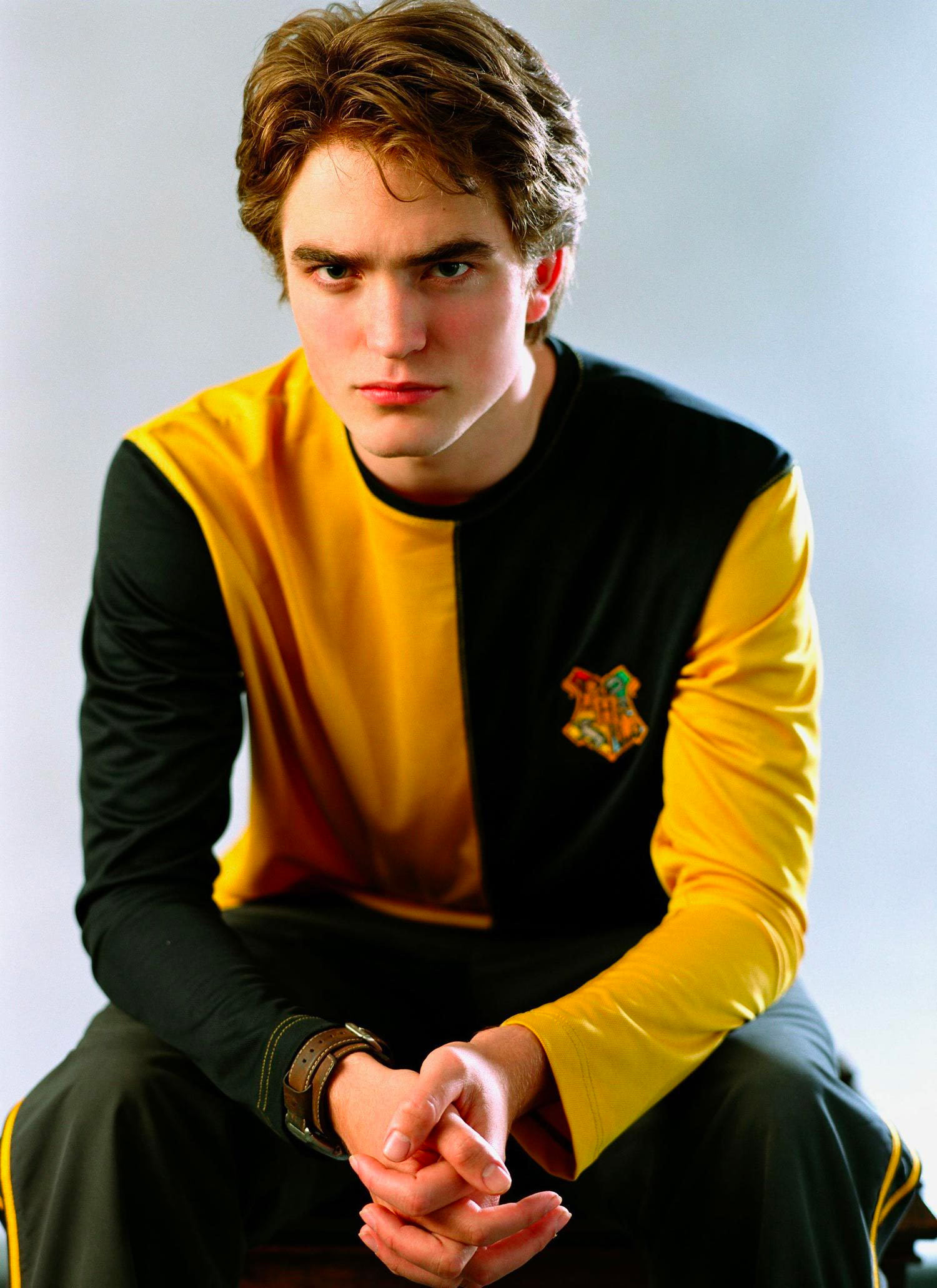
Portrait of Cedric Diggory in his Third Task robes — Harry Potter Fan Zone
Dan S. Rodrigues - Cedric Diggory- Harry Potter: Quidditch Champions

Dan S. Rodrigues - Cedric Diggory- Harry Potter: Quidditch Champions